

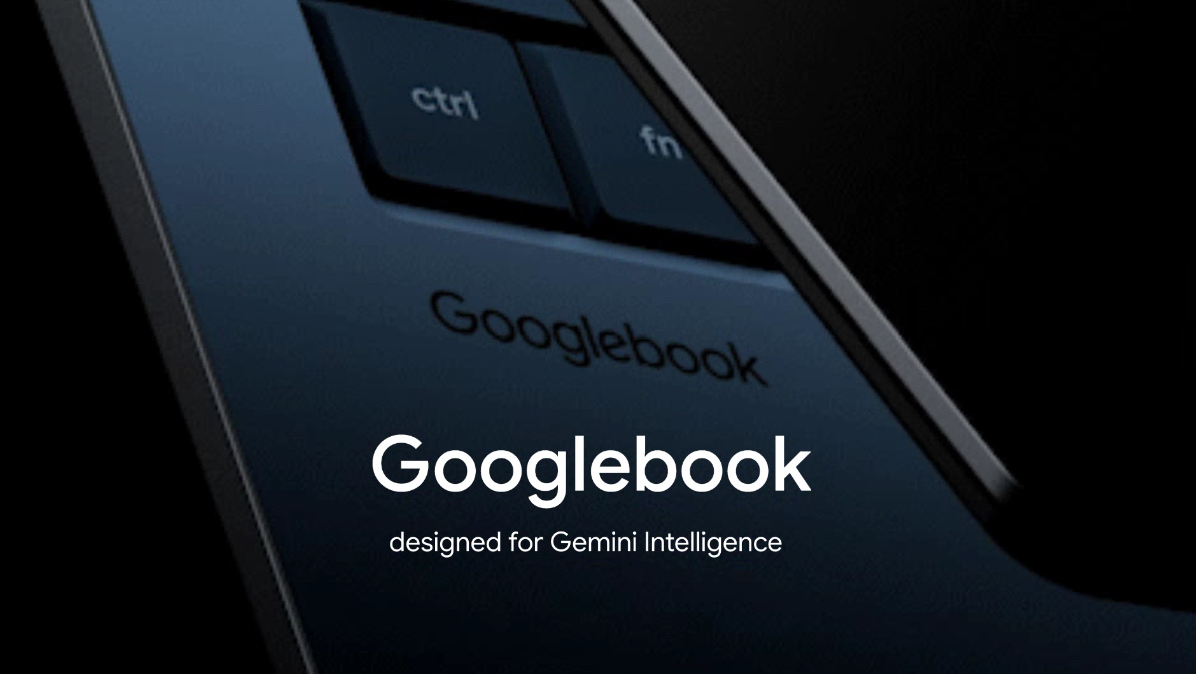
What’s notable with the Googlebook is that it could showcase what Android and ChromeOS can do together. Google is going about this the right way, with major hardware vendors slated to release Googlebooks later in the year. The software will ultimately prove to be the defining factor, and I think there’s definitely potential to see how Google brings Android and ChromeOS together into a unified ecosystem.
Returning to highlights of The Android Show, the Googlebook teaser got everyone excited about how Google will deliver the Chromebook successor. What stands out this time is that the Googlebook is aimed as a high-end device, with Google noting that it puts Gemini front and center. We’ll also get a mix of regular x86-based models and Arm devices, and I’m interested in the latter — there’s much better battery life with Arm notebooks in general, and I can’t wait to see how Google utilizes this with the Googlebook.
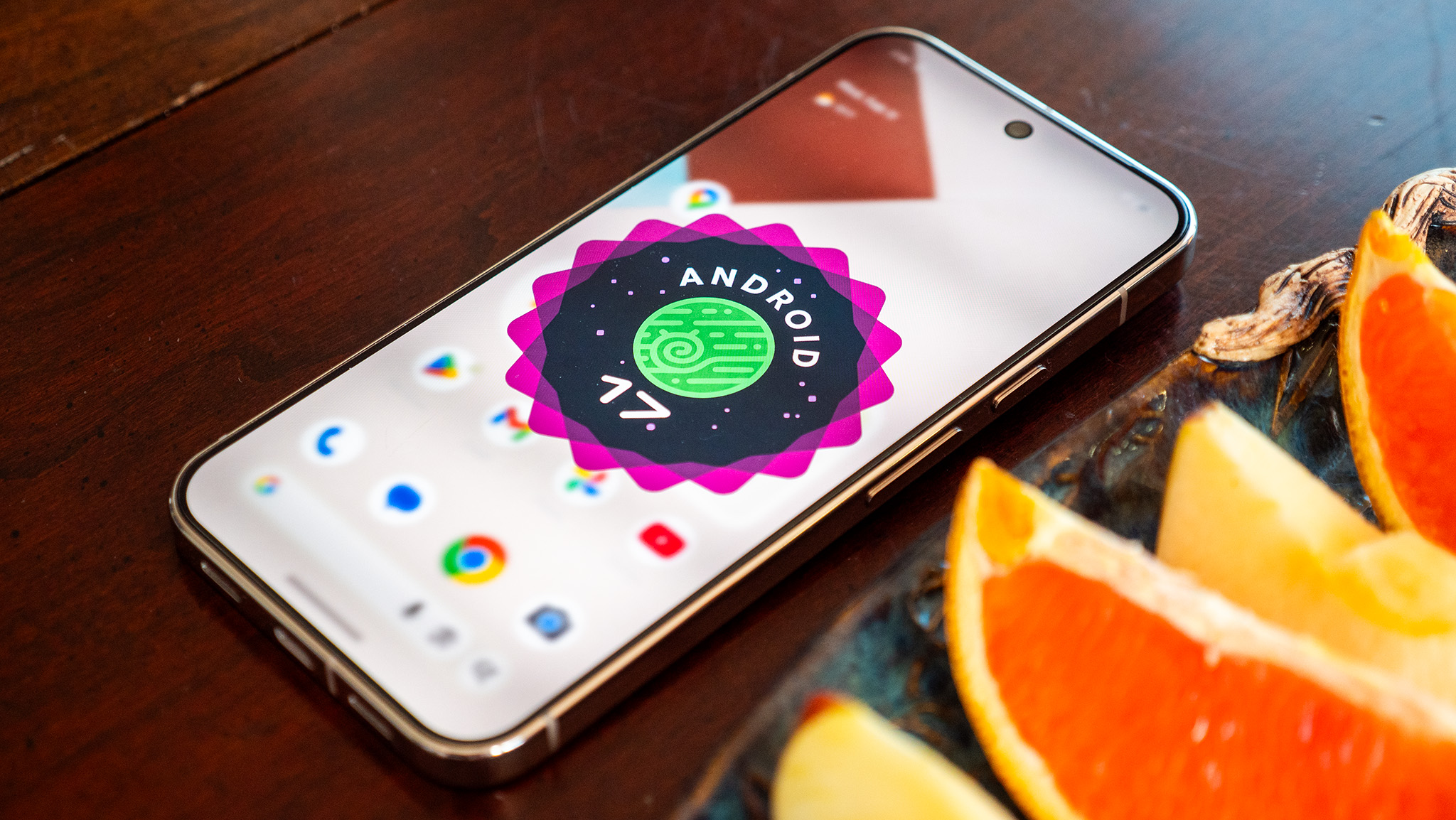
What I like the most in Android 17 is the Bubbles multitasking mode. The ability to use floating windows allows much greater flexibility, and it makes a lot of sense on a foldable like the Pixel 10 Pro Fold. There’s better fluidity in general with the interface, and this was a phoe problem in the past.
Samsung also joined the Android 17 bandwagon with its foldables, and the Galaxy Z Fold 8 models come with One UI 9.0 and the latest version of Android out of the box. Of course, Samsung’s vision of Android looks very different to what Google has on the Pixels, and that’s one of the best things about Android; you can choose what kind of interface you want on your phone. On that note, other brands are starting to roll out the stable Android 17 update to their phones, with Xiaomi getting us underway.
One of the main reasons why Google pushed the Android release ahead last year is to ensure its latest devices get the latest build of the OS out of the box. With Google releasing phones in August and subsequently rolling out a new Android version in the month of October didn’t really make much sense, so it’s good to see Android builds coming out earlier. The stable Android 17 version was released on June 16, and Google’s eligible devices have made the switch already.
Be honest: Android Auto has been lacking, right? If you’re asking me, I’d say “kind of.” Google has continued to improve Android Auto over the years. Gemini’s involvement has helped, too. At the Android Show, Android Auto was shown with a vastly improved, “immersive” Google Maps experience with an edge-to-edge display, and a robust 3D view. Android Auto will tell you what you should keep an eye out for, like traffic lights and lanes. It’s no longer generic. It’s actually helpful.
Since we’re now, officially, in the second half of 2026, we should start seeing Google’s upgraded Live Threat Detection. This will deliver “warnings about suspicious behavior that could be potentially harmful.” Take, for example, an app trying to force a text message to another number you don’t know. The idea is to ward off malicious trickery, and there’s a chance we’ll see this talked about with the Pixel 11’s launch.
Another Android upgrade Google gave us—in line with its recent behavior—involved scam protections. At the Android Show 2026, Google talked about protections for your banking apps by introducing “verified financial calls.” We work hard for our money. The last thing we want is for it to get swiped. If Google deems that call to be a fraud, it will tell you to hang up now.
While we wait for Made by Google, why not have a little to snack on? The Android Show this year talked up the company’s security improvements. One of the major highlights was Location Access. I know, I thought the same thing. Google made this more transparent so we can manage how an app accesses our location, and when it happened. We don’t always want to put ourselves out there like that, so I like that Google worked this into Android.
Another Android 17 feature I’m really looking forward to is Rambler. I’ve talked about it before, but it’s essentially Google’s new AI-powered voice typing system. Instead of speaking carefully and trying not to make mistakes, you can just talk naturally. Rambler automatically ignores your “ums” and “ahs,” understands corrections as you speak, and turns everything into properly formatted text. It’s very similar to what we’ve recently seen with Gemini on macOS, but this time it’s coming to Android smartphones. That’s one of the Android 17 features I’m probably most excited to try.
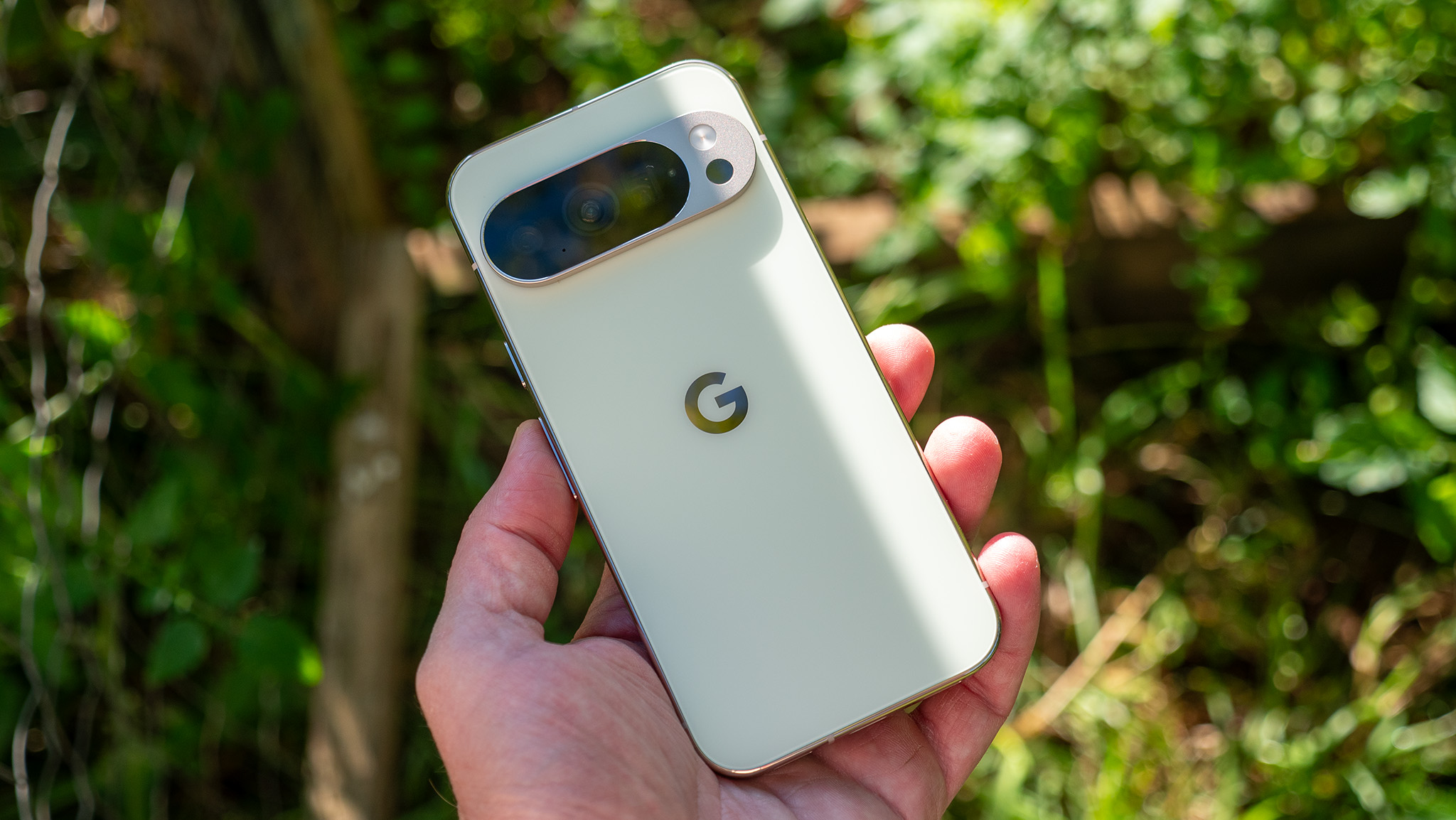
Speaking of the Pixel launch event, as a Pixel 10 Pro owner, I’m honestly not that excited about the Pixel 11 series itself. Based on everything we’ve seen so far, there don’t seem to be many major hardware upgrades this year. What I’m actually looking forward to is Android 17 and the new features launching alongside the Pixel 11.One feature I’m especially excited about is the new 3D emojis. Google first showed them off during The Android Show, but we still haven’t seen them arrive on Pixel phones. They’re still not quite on the same level as Apple’s emoji design, in my opinion, but they’re definitely a big improvement over what Android has today.
Speaking of Googlebook, Google has been unusually quiet about it ever since The Android Show. That makes me wonder whether the upcoming Made by Google event could finally give us a proper look at Google’s next-generation premium laptops. What do you think? Do you expect Googlebook to make an appearance next week? Let me know in the comments.
Since we’re looking back at The Android Show from earlier this year, it’s worth remembering that it was actually the first time Google quietly gave us a look at what is now rumored to be called Pixel Glow, or HiLight.
During the Googlebook teaser, you could spot a glowing light bar across the top of the laptop lid. Since then, we’ve seen the same design language appear on the new Google Home Speaker, and according to recent leaks, it’s also expected to make its way to the Pixel 11 series.
One of the other Gemini highlights from The Android Show 2026 was the new Create A Widget feature, which turns Gemini into a professional coder so you can make custom home screen widgets. Nothing started this trend a few months ago and did a spectacular job with the implementation, and I expect to see Google take the concept even further on the Pixel 11.
The concept is pretty simple. Say you want a specific widget that doesn’t seem to exist in the Play Store. Just ask Gemini to create a widget for you, and it’ll begin the coding process, complete with the ability to revise and modify things as the widget is being built.
For me, the most interesting part of Gemini Intelligence and automation is when Gemini is used to interact with apps that aren’t usually deemed “compatible.” Let’s say you’re particularly find of an obscure note app that wouldn’t normally have tie-ins with services like Gemini. No problem, because Gemini Intelligence is supposed to be able to work with it, regardless.
Say you took a photo of a banner or poster for an upcoming event and want to make a shopping list based on what you’ll need for it. Gemini can help navigate the content in the photo and fill out a note in your favorite app without you manually typing it in. That’s just one of many features we’re expecting to see expanded on the new Pixel 11 series, too!
Google was already in the midst of doing some heavy brand reworking with Gemini, and Android 17 only furthers those actions. Google says that Android is no longer an “operating system” but, rather, an “intelligence system.” This sounds like marketing nonsense, and I’m some of it certainly is, but the idea is that Android is moving beyond a traditional point-and-click (or tap) UI and, instead, becoming a system that does exactly what you ask of it.
Case in point, the newer Gemini Automation features which will navigate entire apps and websites for you with a single command. I used it to order food and tea from two different restaurants and all I had to do was hit confirm. While I’d argue that having Gemini order food for me is silly and completely unnecessary, seeing Gemini have the ability to navigate complex UIs without error is impressive, and there will no doubt be more sensible reasons to use this feature in the near future.
Android 17 is shaping up to be a more social-media-focused update, and on the other side of Pause Point, the company launched Screen Reactions, which makes it incredibly easy to record yourself over another video. It’s an incredibly useful feature and very easy to use. It makes me wonder what other social features the Pixel 11 will introduce.
Another feature I hope to see on the Pixel 11 Pro Fold is the Gamepad. It basically turns your foldable into a mini game console of sorts with a dedicated control pad on the bottom half of the screen, which should enhance the gaming experience. Google also says it will include native controller remapping for those of you who use external controllers, which is a great way to appeal to mobile gamers.
One feature I can’t wait to get my hands on is Pause Point. It’s supposed to remind you to take a break from distracting apps with things like timers, breathing exercises, and even suggestions for less-distracting apps to use. Because we all need a reminder to take a break from social media, right? It’s actually a pretty thoughtful feature, one I never expected from Google.
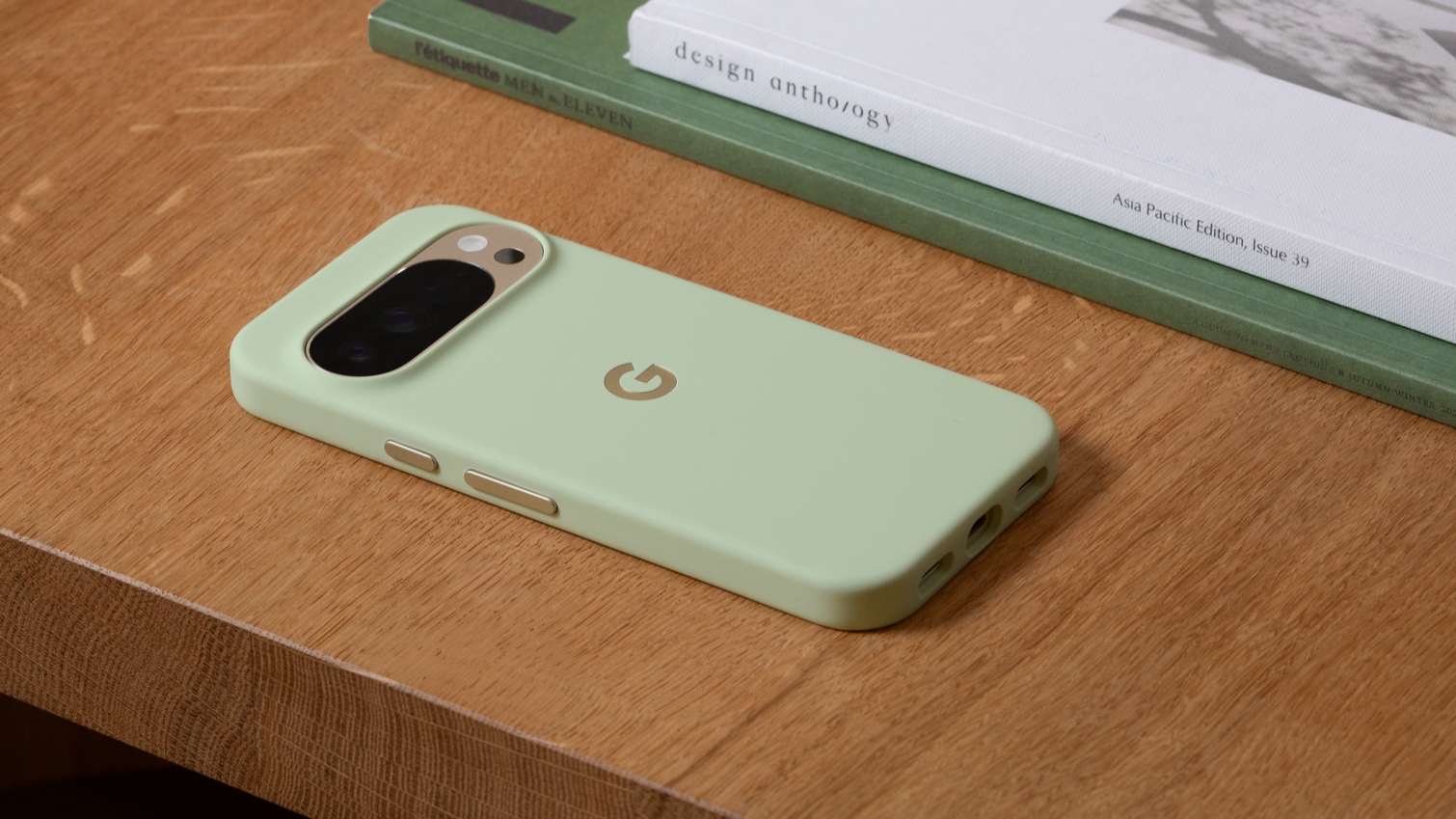
Google has been low-key hyping up its Pixel 11 series for some time, although we just didn’t know it. Earlier this year, the company gave us a glimpse of new features arriving with Android 17, and while the update is already out, there are still some features that haven’t arrived yet, and likely more that Google hasn’t even teased. What are you looking forward to the most?